2.4. Parts Implemented by Sergen Kayıkcı
2.4.1. Categories
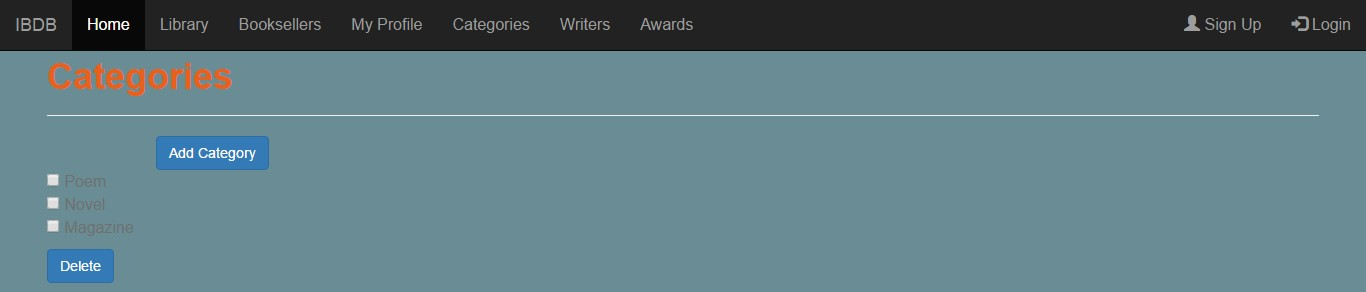
This is categories page. All categories are shown here. By selecting with checkboxes and clicking delete button, they can be deleted from database. More than one categories can be deleted at one time.

This is add category page. By writing a name, selecting a feature and then clicking the save button, a category can be added.

This is category page. On this page name and feature of category are shown. Furthermore, writers which writes on this category are shown as links to their writer page. By clicking edit button, the category can be edited.
2.4.2. Writers
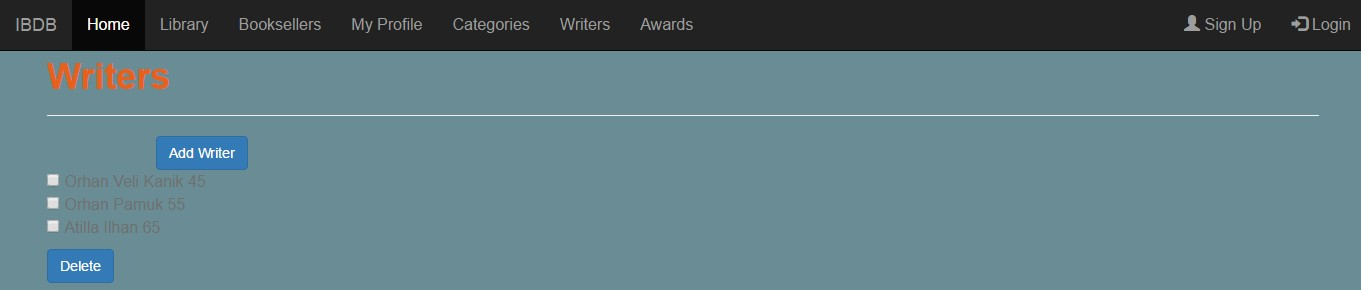
This is writers page. All writers are shown here. By selecting with checkboxes and clicking delete button, they can be deleted from database. More than one writers can be deleted at one time.

This is add writer page. By writing a name and age, selecting a category from database and then clicking the save button, a writer can be added.

This is writer page. On this page name and age of writer are shown. Furthermore, category that the writer writes on and awards that the writer won are shown as links to their category and award page. By clicking edit button, the writer can be edited.
2.4.3. Awards

This is awards page. All awards are shown here. By selecting with checkboxes and clicking delete button, they can be deleted from database. More than one awards can be deleted at one time.

This is add award page. By writing a name and year, selecting a writer who wins the award from database and then clicking the save button, an award can be added.

This is award page. On this page name and year of award are shown. Furthermore, writer that won the award is shown as links to its writer page. By clicking edit button, the award can be edited.